
Which mouse should you buy if you want reliable tracking, a comfortable grip and a setup that fits your budget? The best gaming mouse is not automatically the one with the highest DPI number. Shape, weight, cable behavior and sensor consistency matter more than a specification you may never use.
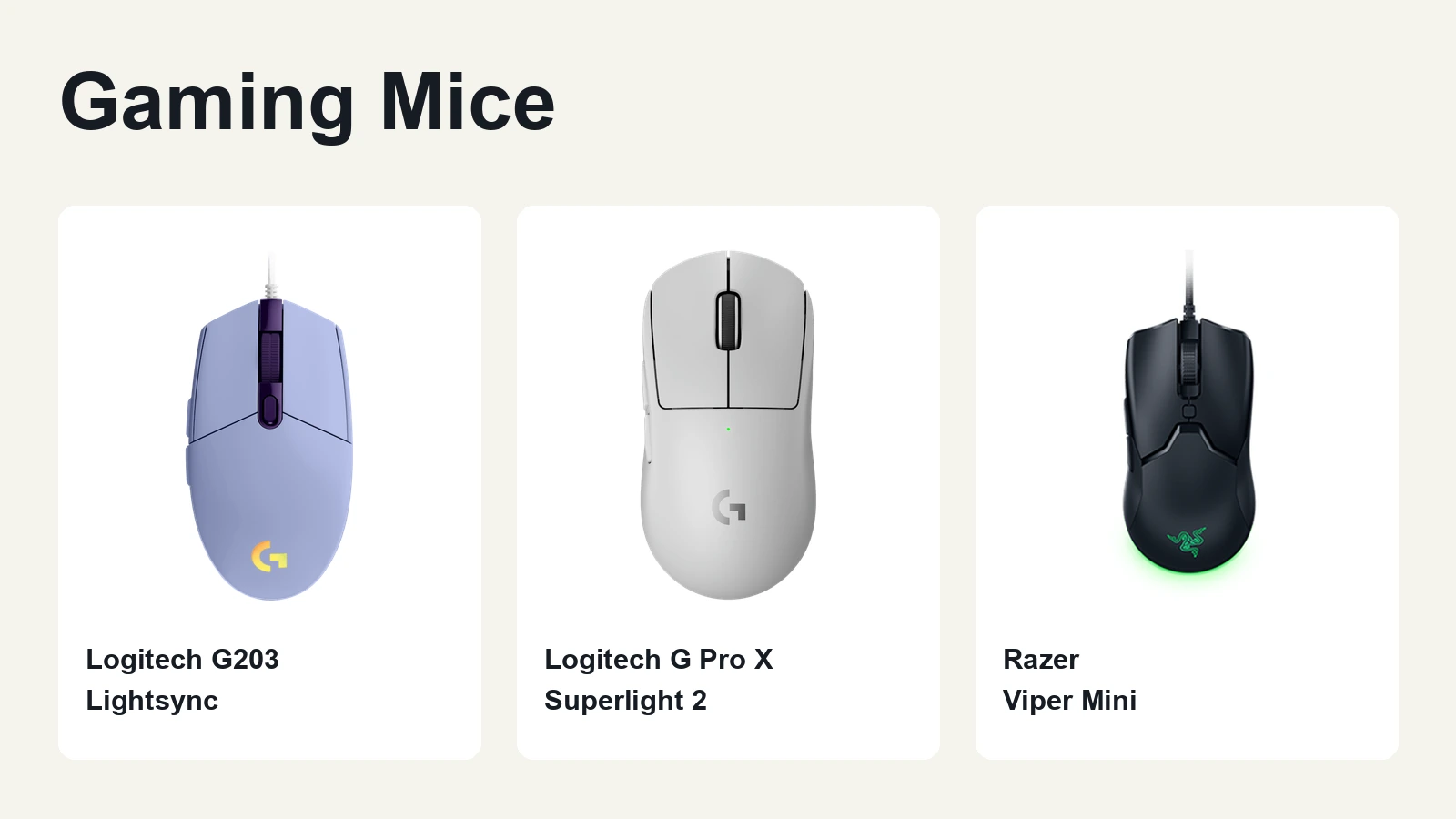
This guide compares three options: the Logitech G203 Lightsync for a budget wired setup, the Logitech G Pro X Superlight 2 for lightweight wireless play, and the Razer Viper Mini for smaller hands. The recommendations combine official specifications with independent review evidence, rather than claiming personal testing that was never conducted.
The Short Answer
The best gaming mouse depends on fit, tracking consistency and budget, not maximum DPI. Choose the Logitech G203 Lightsync for a budget wired setup, the Logitech G Pro X Superlight 2 for lightweight wireless play, or the Razer Viper Mini for small hands, provided you can verify stock, price and warranty.
Gaming Mouse Comparison
| Mouse | Connection | Advertised Maximum DPI | Published Weight | Main Trade-Off |
|---|---|---|---|---|
| Logitech G203 Lightsync | Wired USB | 8,000 DPI | 84.6 g measured by RTINGS | Relatively stiff cable and a heavier body than the other options here |
| Logitech G Pro X Superlight 2 | Wireless USB receiver | 44,000 DPI | 60 g advertised by Logitech | Stock feet receive a less favorable glide assessment from RTINGS |
| Razer Viper Mini | Wired USB | 8,500 DPI | 61 g advertised by Razer, excluding the cable | Compact fit and higher lift-off distance than the G203 in RTINGS’ comparison |
The DPI specifications come from the official product pages for the G203 Lightsync, Superlight 2 and Viper Mini. The G203’s measured weight and the practical limitations are reported in the corresponding RTINGS reviews. Manufacturer specifications and measurements from individual review units are different types of evidence.
Why Maximum DPI Does Not Tell You Which Mouse Is Better
DPI describes how many movement counts a mouse reports for a given physical distance. In-game sensitivity then affects how that movement translates into camera rotation. A higher maximum DPI gives you a higher sensitivity ceiling. It does not prove that your tracking will become steadier or your flicks more accurate.
The G203 advertises 8,000 DPI, while the Viper Mini advertises 8,500 DPI. Yet RTINGS’ comparison describes the G203 as having the more consistent sensor and a lower lift-off distance. The Viper Mini has advantages elsewhere, including its lighter body and more flexible cable.
That is why the best gaming mouse should be judged at the settings you actually use. Consistent movement, predictable repositioning and a stable grip are more useful buying criteria than the largest number on the box.
Choose Your Shape Before Your Sensor Ceiling
A mouse can have strong sensor performance and still be wrong for your hand. If the shell is too short for your palm grip, too wide for your fingers or awkward around the side buttons, a higher DPI setting will not fix the problem.
With a palm grip, check whether the shell supports your hand without forcing your fingers into an uncomfortable position. With a claw grip, pay attention to the rear shape and the space available for your fingertips. With a fingertip grip, check whether you can lift and reposition the mouse without squeezing it excessively.
Do not treat a symmetrical shell as proof that a mouse is equally convenient for both hands. Side-button placement still matters. Check the layout as carefully as the overall shape.
Logitech G203 Lightsync: The Budget Wired Pick
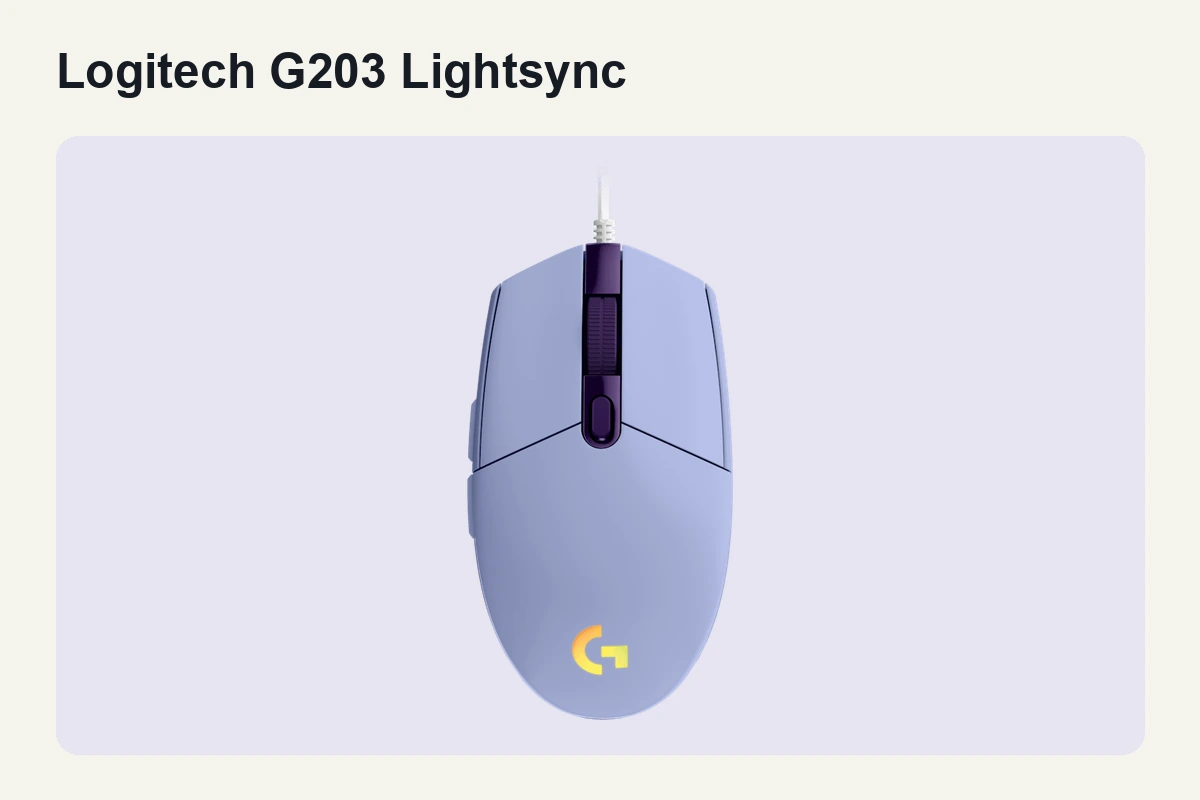
The G203 Lightsync is the budget option in this shortlist if you want a straightforward wired mouse and do not need an especially light body. Logitech lists six programmable buttons and a sensitivity range from 200 to 8,000 DPI on its official product page.
The stronger reason to consider it is not the DPI ceiling. RTINGS reports consistent sensor behavior at different movement speeds and low click latency. Its review unit has a published default weight of 84.6 g.
The limitations are practical. RTINGS describes the rubber cable as relatively inflexible, and the short shell can be uncomfortable for larger hands using palm or claw grip. If your cable catches on the edge of your desk, that interference deserves more attention than another increase in maximum DPI.
Choose the G203 when its local price fits your budget, the shape suits your grip and you are comfortable with a wired setup. Do not assume that it is always available below a particular price. Compare the current offer, delivery cost and return policy before paying.
Its main advantage is a simple wired setup with independently reported consistent tracking. Its main compromises are weight, cable flexibility and fit for larger hands.
Logitech G Pro X Superlight 2: The Overall Wireless Pick
The Superlight 2 is the overall choice within this three-model shortlist if you want a lightweight wireless mouse. Logitech advertises a 60 g body, its HERO 2 sensor, sensitivity up to 44,000 DPI and wireless polling up to 8,000 Hz.
The independent evidence is more useful than the headline sensitivity number. RTINGS reports strong sensor performance, low and consistent click latency, and a symmetrical shape that accommodates a broad range of hand sizes and grips.
The buying reason is the combination of a light body, wireless operation and independently reviewed performance. It is not a promise that 44,000 DPI will improve your aim.
There are compromises. RTINGS notes that the stock feet do not glide as smoothly as those on some competing mice. The Superlight 2 also lacks Bluetooth, so it is not the obvious choice if you want to switch between a gaming PC and another device without moving a receiver.
Its maximum polling rate also needs context. At 1,000 Hz, the nominal reporting interval is 1 ms. At 8,000 Hz, it is 0.125 ms. These are reporting intervals, not measurements of total click-to-display latency or proof of an improvement in your personal performance.
Choose the Superlight 2 if you specifically want lightweight wireless operation and its shape works for your hand. Do not pay more solely to obtain a DPI setting you have no reason to use.
Razer Viper Mini: The Small-Hand Option
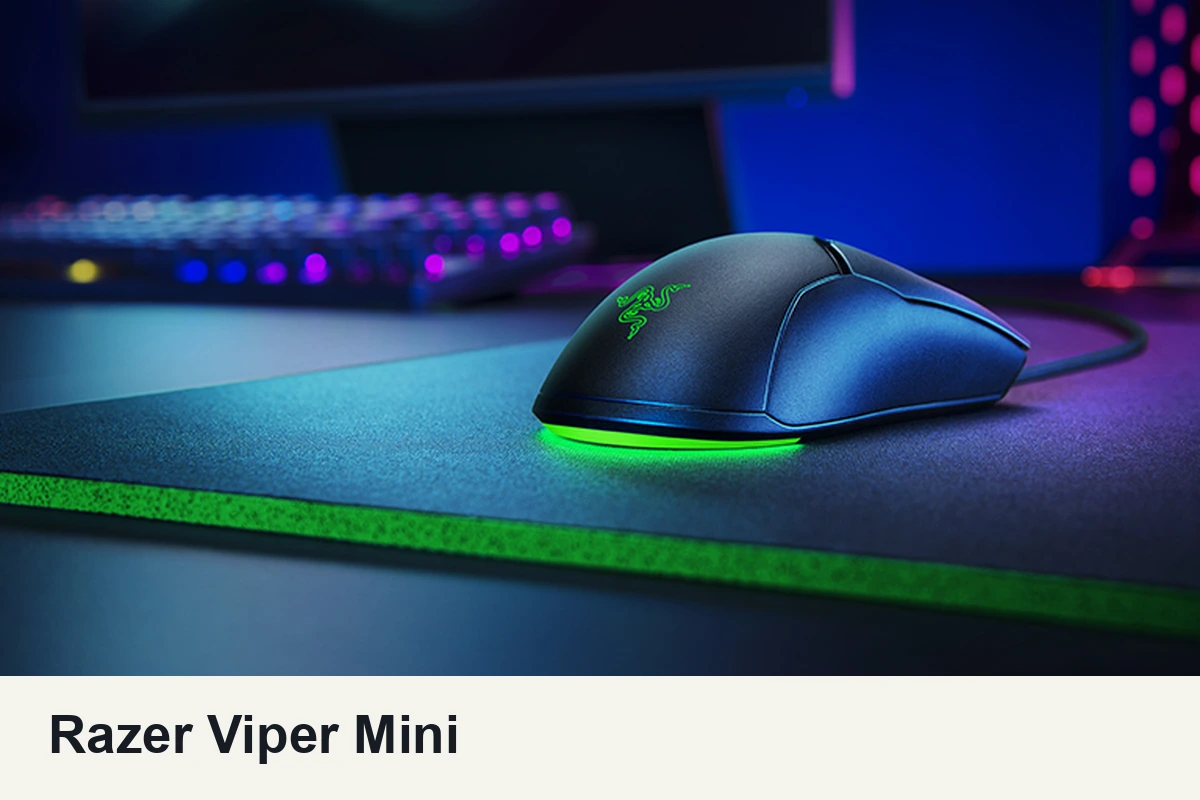
The Viper Mini is the compact option in this shortlist. Razer advertises a weight of 61 g excluding the cable and recommends the shape for small-to-medium hands, particularly with claw or fingertip grip.
Its 8,500-DPI ceiling is not the main attraction. The more relevant combination is its compact shell, low weight and flexible cable. RTINGS reports low click latency and a cable that creates little drag.
The lift-off behavior deserves attention if you repeatedly pick up the mouse to recenter it. In its comparison with the G203, RTINGS favors the Logitech for lower lift-off distance and sensor consistency, while favoring the Viper Mini for weight, cable flexibility and mouse feet.
Small does not automatically mean comfortable. If you prefer full palm support, try the shape before committing. If a larger shell makes fingertip control awkward, the Mini is worth investigating.
Availability is a separate buying condition. Verify the exact original Viper Mini model, the seller, the return policy and the applicable warranty. An official product page does not confirm that every marketplace listing is current or trustworthy. Avoid paying an inflated price merely because an older model is harder to find.
How to Check Tracking and Comfort at Home
Use the return window to check whether the mouse works on your actual desk. Keep the game, mousepad and effective sensitivity consistent when comparing it with your current mouse. Changing several settings at once makes the result harder to interpret.
- Follow the same moving target repeatedly and watch for recurring interruptions or unexpected movement.
- Make fast swipes across your normal playing area. If something feels wrong, check the surface, connection and settings before blaming the sensor.
- Lift and replace the mouse as you normally would. Check whether the camera moves unexpectedly while you reposition it.
- Play long enough to notice grip changes, accidental side-button presses or pressure around your fingers.
- Repeat the same task after a break rather than judging the purchase from one good session.
These checks help you assess your own setup. They do not turn a comfort preference or a single aim-training score into a controlled sensor benchmark.
When Spending More Makes Sense
Spend more when you can identify the problem you are solving. A wireless mouse can remove cable interference. A lighter body may suit your movement preferences. A different shell can fit your hand better.
If your current mouse already tracks reliably, feels comfortable and stays out of your way, a larger DPI number is not a sufficient reason to replace it. The best gaming mouse is a practical match for your setup, not simply the most expensive option you can afford.
Before ordering, compare the exact model, current regional price, warranty and return terms. Those details can change the value of a recommendation more than a specification printed on the packaging.
Frequently Asked Questions
Do I really need 44,000 DPI for gaming?
No. Maximum DPI tells you the available sensitivity ceiling, not whether your aim will improve. Choose a setting that lets you track targets and turn comfortably, then keep your in-game sensitivity consistent. Check sensor behavior instead of buying the largest number.
Will a wireless mouse slow me down?
Do not judge it by the connection label alone. The Superlight 2 has strong independently reported latency performance. Use its intended USB receiver setup and test for interruptions. A cable-free mouse is useful only if it stays reliable where you play.
Is the Viper Mini still worth buying?
Yes, if its compact shape fits your grip and you find verified stock at a sensible price. Check the seller, return policy and warranty before paying. Its lighter body is useful, but its higher lift-off behavior can matter if you repeatedly reposition your mouse.
Bottom Line
Does the spec sheet survive contact with reality? The evidence supports these recommendations for different needs, not a universal winner based on maximum DPI.
Bottom line: choose the mouse that fits your hand and solves a real problem in your setup, then use independent tracking evidence to check the specification sheet.
Budget pick: Logitech G203 Lightsync. Check its current offer if you want a compact wired mouse with independently reported consistent tracking and can accept its weight and cable.
Overall pick: Logitech G Pro X Superlight 2. Check its current offer if you want a lightweight wireless body backed by independent sensor-performance reporting.